


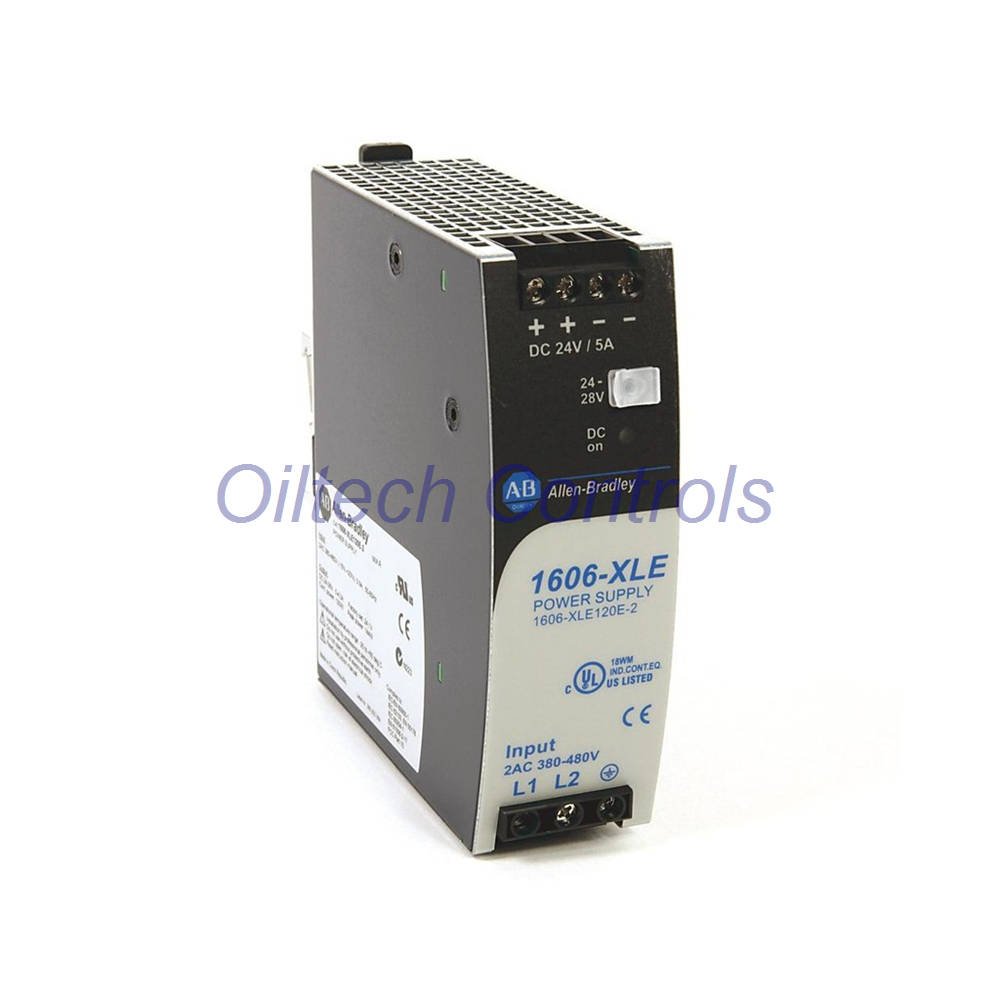
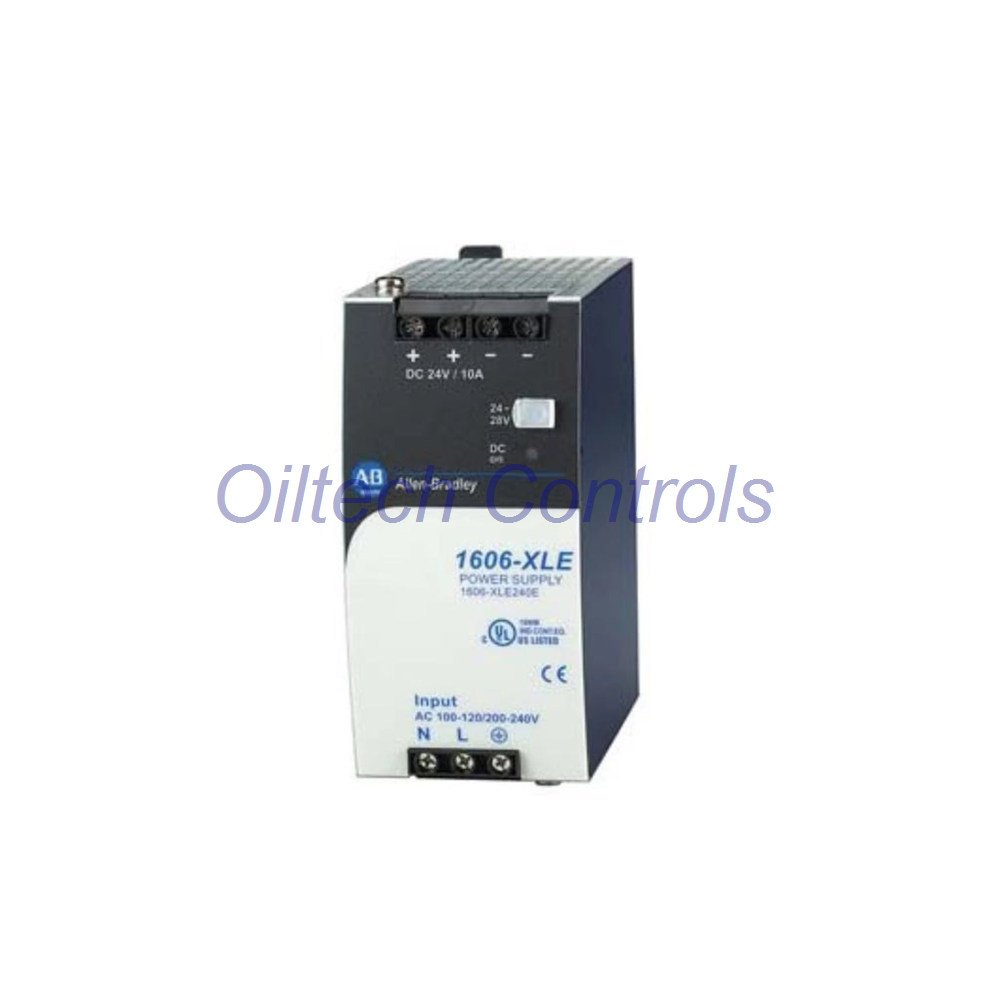
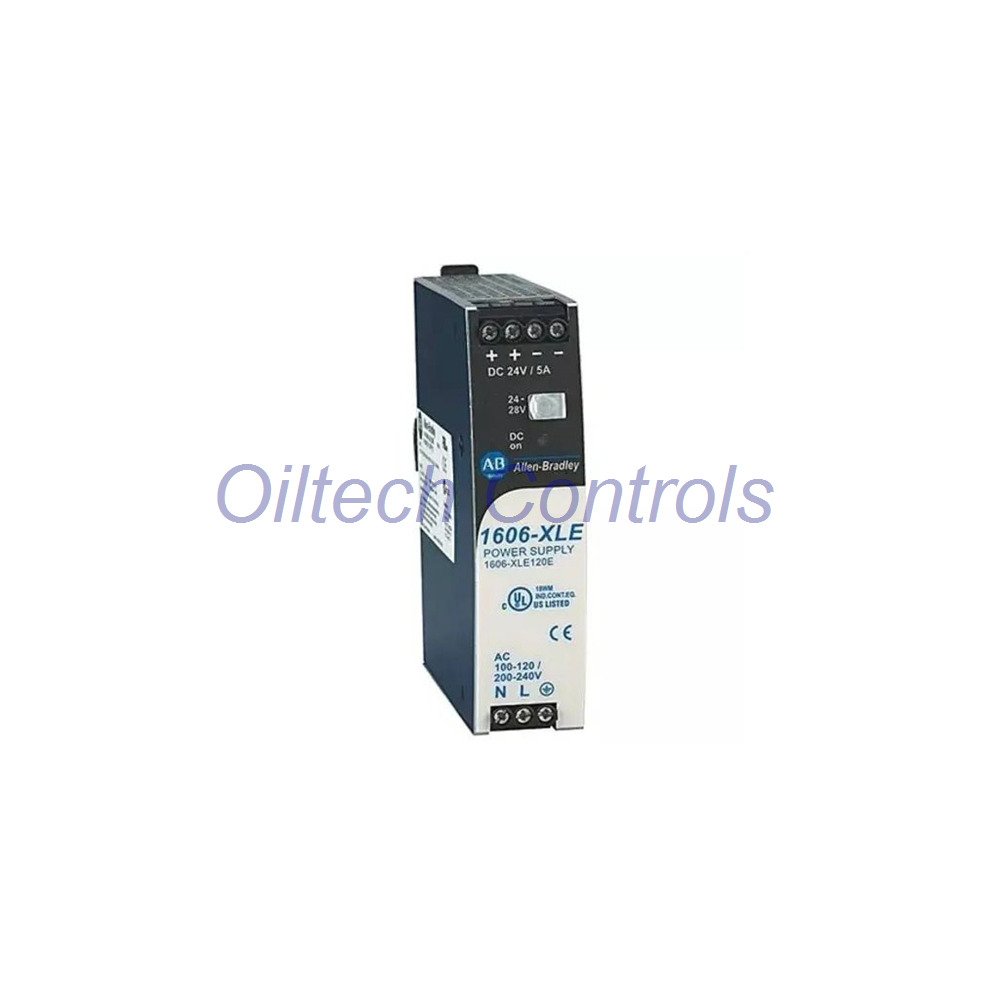

1606-XLEDNET3 Allen-Bradley DeviceNet Power Supply | Bulletin 1606-XL | 24 V 3.3 A
The 1606-XLEDNET3 is a DeviceNet-dedicated supply in the Allen-Bradley Bulletin 1606-XL family. It puts 24 to 28 V DC onto a DeviceNet trunk at 3.3 A and 80 W. Input is manually selected between 100…120 V AC and 200…240 V AC. Efficiency runs at 90% typical, so cabinet heat stays low. Hold-up time reaches over 60 ms at 120 V AC. The 32 mm body leaves room for adjacent nodes on the rail. Use it where a DeviceNet segment needs its own clean power tap.
Core Electrical Data
- Brand: Allen-Bradley
- Model: 1606-XLEDNET3
- Series: Bulletin 1606-XL, Special Modules line
- Input: 100…120 V AC or 200…240 V AC, manual select
- Input range: 90…132 V AC / 180…264 V AC, 47…63 Hz
- Input current: 1.24 A at 100 V AC, 0.68 A at 240 V AC
- Output: DC 24…28 V
- Current: 3.3 A at 24 V, 2.9 A at 28 V
- Rated power: 80 W
- Efficiency: 90% typical
- Hold-up: over 60 ms at 120 V AC, over 244 ms at 240 V AC
- Operating temperature: -25…+70 °C, derate above +60 °C
- Storage temperature: -40…+85 °C
- Protection rating: IP20
- Dimensions (H×W×D): 124 × 32 × 102 mm
- Weight: 0.43 kg
- Mounting: DIN rail, open frame
- Communication: DeviceNet power tap only, no protocol interface
How It Sits on a DeviceNet Segment
- Feeds the trunk power pair at 24 V DC.
- No protocol stack inside, so no node address to set.
- Keeps supply current away from scanner and adapter loads.
- Manual input select suits both 120 V and 240 V plants.
- Open-frame DIN body lets air move across the board.
Lines and Equipment That Suit It
- DeviceNet trunk segments with many remote I/O nodes.
- Conveyor and palletizer networks running DeviceNet.
- Legacy automotive and food processing cells.
- Panels using 24 V valve islands and block I/O.
- Retrofit jobs that keep an existing DeviceNet cable.
Wiring and Commissioning
- Set the input select to match plant voltage before power-up.
- Land the trunk power pair on the DeviceNet tap terminals.
- Confirm 24 V DC on the trunk with a meter at both ends.
- Check total trunk current against the 3.3 A rating.
- Keep power wiring away from the signal pair in the duct.
Service and Checks
- Measure trunk voltage at the far node under load.
- Re-check input select after any plant voltage change.
- Clear dust from the open-frame board area.
- Confirm derating above +60 °C in hot cabinets.
- No firmware, no software, no node configuration.
Approvals
- UL 60950-1
- cUL
- CE marked
Contents, Dispatch, and Cover
- 1 × 1606-XLEDNET3 power supply
- Documentation set as supplied
- Dispatch within 24 to 28 hours
- Carriers: FedEx, UPS, DHL
- 12-month warranty
Oiltech Controls’s Insight
- Few suppliers still stock DeviceNet-dedicated supplies.
- The 90% efficiency is high for an 80 W legacy module.
- Manual input select is the first check on a dead unit.
- Long hold-up helps during plant voltage dips.
- Keep one on the shelf if DeviceNet still runs your line.
Why Buy From Oiltech Controls?
- We have handled automation spares for more than 15 years.
- We ship to customers across the globe.
- Surplus and refurbished units pass test before sale.
- Every order carries a 12-month warranty.
- We verify each part on the bench before shipping.
- We support legacy and discontinued control systems.
FAQ
Q: Is the 1606-XLEDNET3 a network module or a power supply?
A: It is a power supply. It feeds the DeviceNet trunk pair only. It has no protocol stack and no node address.
Q: How does input voltage selection work?
A: You set it manually to 100…120 V or 200…240 V. Set it before power-up. A wrong setting is the most common field fault we see.
Q: Can one unit power a long trunk?
A: It supplies 3.3 A at 24 V. Add trunk current across all nodes before you order. Long runs often need a second tap near the far end.
Q: Why does current drop from 3.3 A to 2.9 A?
A: The unit is rated 3.3 A at 24 V and 2.9 A at 28 V. Higher output voltage lowers current capacity. Size loads to the voltage you actually set.
Q: What should I check if the trunk shows low voltage?
A: Measure at both ends of the trunk under load. Then check the input select and the tap terminals. Also total the node current, since overload is the usual cause.
Contact us at info@oiltechcontrols.com or on WhatsApp at +86 158 8020 0923.
Copyright © 2026 Oiltech Controls Limited. https://www.oiltechcontrols.com/ All rights reserved.
All rights reserved.



Reviews
There are no reviews yet.