



IV2-H1 Keyence IV2 Series PC Software for Vision Sensors
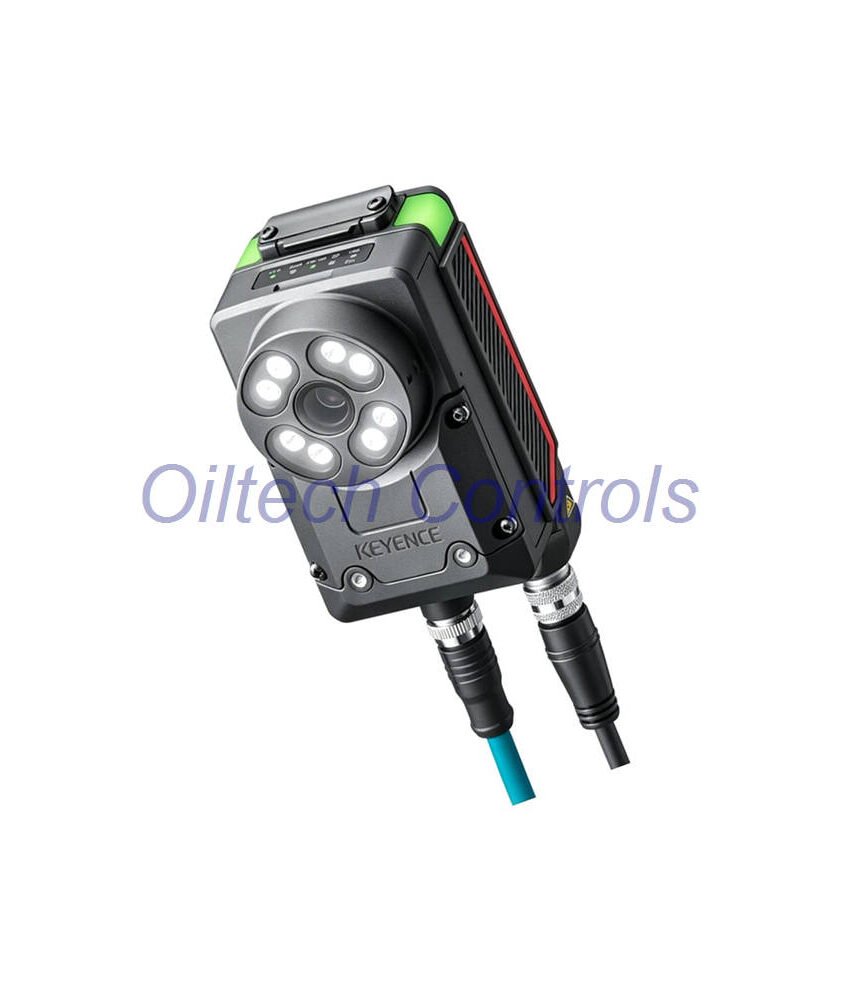
IV2-H1 is the Keyence IV2-Navigator PC software for IV2 Series and IV Series vision sensors. It runs on a Windows PC. Moreover, it connects through Ethernet 100BASE-TX. In this setup, the sensor handles communication, while the PC software handles setup, monitoring, and adjustment.
This software suits line builders, integrators, and maintenance teams. For example, it helps engineers configure inspection jobs fast. In addition, it helps teams troubleshoot vision tools without extra hardware. IV2-H1 is a software item, not a sensor. Therefore, it is ideal for plants that already use Keyence IV2 or IV vision systems.
Technical Specifications
| Brand | Keyence |
| Model | IV2-H1 |
| Series | IV2 Series |
| Product Type | PC software |
| Included Software | IV2-Navigator for IV2, IV-Navigator for IV |
| Compatible Sensor | IV2 Series, IV Series |
| Interface | Ethernet 100BASE-TX |
| Built-in Ports | None. PC-based software. |
| Protocols | Via connected sensor |
| Communication Expansion | None |
| Electrical | Not applicable. PC software. |
| Environmental | Not applicable. PC software. |
| Physical | Not applicable. PC software. |
| Lifecycle | Active. Official Keyence production status confirmed. Last verified: 2026-09. |
| Measurement Range | Depends on connected IV2 or IV sensor |
| Frequency Response | Depends on sensor and inspection mode |
| Sensitivity | Set by sensor and software parameters |
| Linearity | Sensor-dependent |
| Resolution | Sensor-dependent |
| Temperature Range | Not applicable to PC software |
| Environmental Resistance | Not applicable to PC software |
| Anti-interference | Depends on sensor, cable routing, and network design |
Installation Guide
- Install IV2-Navigator on a Windows PC.
- Then connect the PC to the sensor through Ethernet 100BASE-TX.
- After that, set the PC network to the same subnet as the sensor.
- Next, open the software and search for connected Keyence sensors.
- Also confirm the sensor model before you load a job.
- Finally, save the setup file after each change.
Debugging and Maintenance
The software shows live images and inspection results. As a result, engineers can tune thresholds, regions, and logic in real time. This cuts downtime during changeover. In addition, maintenance teams can back up sensor settings to a PC. They can also restore a known-good file after a fault. Therefore, regular backups reduce the risk of lost recipes. Use a stable network switch and good cables. Also keep the PC and sensor firmware aligned. For help, contact info@oiltechcontrols.com or +86 158 8020 0923.
Compatibility Notes
- Works with IV2 Series vision sensors.
- Also works with IV Series vision sensors.
- Uses IV2-Navigator for IV2 models.
- In addition, uses IV-Navigator for IV models.
- Connects through Ethernet 100BASE-TX.
- However, it does not add built-in ports or expansion modules.
Certification and Compliance
Certification depends on the connected sensor and the full system. This listing covers PC software only. Therefore, check local rules for electrical safety, EMC, and network use. Keyence sensor approvals apply to the sensor hardware. Meanwhile, the software itself follows the official Keyence release package.
Packing List
- IV2-H1 software package
- IV2-Navigator and IV-Navigator install files
- License or activation details, if supplied by Keyence
- Basic setup notes from Oiltech Controls
Warranty and Shipping
Oiltech Controls offers a 12-month warranty on this item. We ship by FedEx, UPS, and DHL. In addition, tracking is provided after dispatch. Delivery time depends on destination and customs clearance.
Typical Applications
- Presence and absence checks on assembly lines
- Position and alignment checks
- Label and print inspection
- Part orientation checks
- Robot guidance support
- Quality gates on packaging lines
Diagnostic Capabilities
The software supports live image review. For example, it shows pass and fail results. It helps users check lighting, focus, and target position. It also helps users compare saved jobs. As a result, this makes fault finding faster. In addition, it helps engineers verify a fix before restart.
Why Buy From Oiltech Controls?
- 15+ years in industrial automation spare parts
- Worldwide shipment support
- Tested industrial surplus and refurbished options
- 12-month warranty
- Technical check before dispatch
- Support for obsolete control systems
Questions? Email info@oiltechcontrols.com or message +86 158 8020 0923 on WhatsApp.
FAQ
Q: What is IV2-H1?
A: It is Keyence IV2-Navigator PC software for IV2 and IV vision sensors.
Q: Does it include a sensor?
A: No. This listing is for PC software only.
Q: Which sensors does it support?
A: It supports IV2 Series and IV Series sensors.
Q: How does it connect?
A: It connects through Ethernet 100BASE-TX on the sensor side.
Q: Can I use it on any PC?
A: Use a Windows PC that meets the official Keyence software requirements.
Q: Is the warranty 12 months?
A: Yes. Oiltech Controls provides a 12-month warranty.
Q: How do you ship?
A: We ship by FedEx, UPS, and DHL.
Copyright © 2026 Oiltech Controls Limited. All rights reserved.
Original Source: https://www.oiltechcontrols.com/


Reviews
There are no reviews yet.