


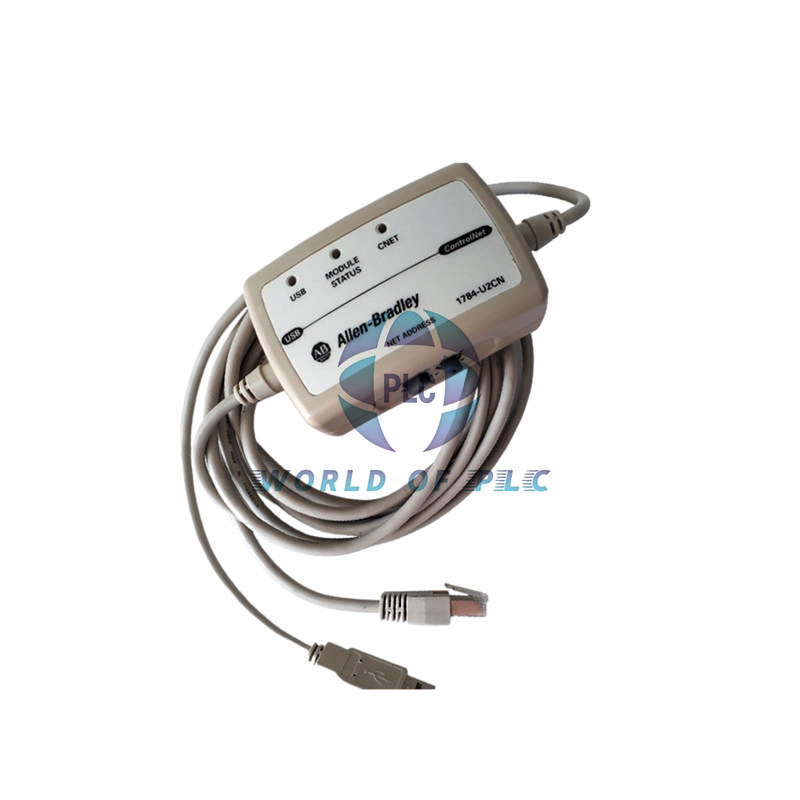
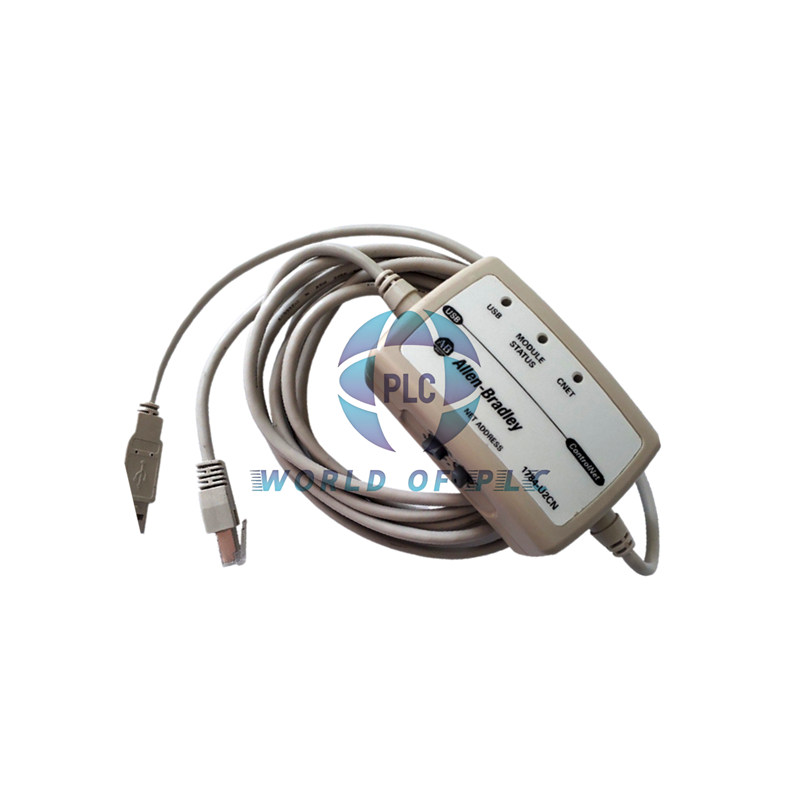
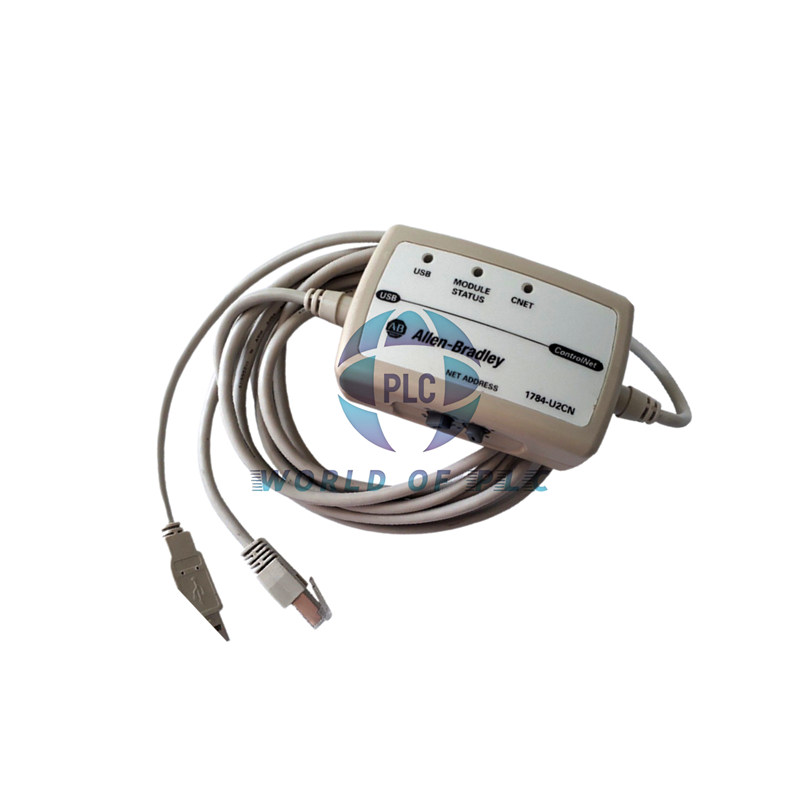

1784-U2CN ControlNet USB Cable
1784-U2CN – USB to ControlNet cable. Connects a laptop/PC to a ControlNet network via USB port. Includes node address switch and LED status indicators.
Oiltech Controls’s Insight
- Essential tool for engineers troubleshooting PLC-5 or ControlNet systems.
- Built-in node address switch saves time – no need for additional tools.
- Tri-color LEDs give instant feedback: USB, module, and network status.
- ESD sensitive – always ground yourself before handling.
- IP30 rated – keep dry and away from liquids.
Technical Specifications
- Brand: Allen‑Bradley / Rockwell Automation
- Part Number: 1784‑U2CN
- Type: USB to ControlNet cable
- Voltage: 5.25 V DC
- Current: 225 mA
- ControlNet Current: 70 mA at 24 V
- Isolation Voltage: 30 V continuous
- Temperature Range: 0–55 °C
- Enclosure Rating: IP30
- Altitude: 2000 m (no derating)
- Certifications: cULus, CE, RCM, KCC, CI
- UPC: 10612598524836
- UNSPSC: 43201404
Key Components & Indicators
- USB connector – connects to computer
- ControlNet connector – connects to network
- Node address switch – center-mounted for easy access
- USB LED – green steady: configured, no traffic; blinking: active traffic
- Module Status LED – indicates cable health
- ControlNet Status LED – shows network activity
Compatible Equipment
- PLC-5 processors with ControlNet interface
- ControlNet adapters and scanners
- Windows-based laptops/desktops with USB port
- Rockwell Automation ControlNet networks
- Replaces 1784-PCC, 1784-PCIC in many applications
5 Professional FAQs
Q: Can I use this cable with Windows 10/11?
Yes, with correct Rockwell drivers (RSLinx Classic v3.90 or later). Older OS versions (XP, 7, 8) also supported.
Q: What is the maximum cable length?
This is a USB cable – length is approximately 1.8 m (6 ft). For longer runs, use active USB extenders.
Q: How do I set the node address?
Use the rotary switch in the center. Set before connecting to the network. Address must be unique on the ControlNet network.
Q: Why are my LEDs not lighting up?
Check USB driver installation first. If still dark, test with another USB port or PC. Cable may be ESD damaged – handle with care.
Q: Is this cable compatible with ControlNet over coax?
Yes. Standard ControlNet uses coax (RG-6). This cable connects to the same tap/connector as other ControlNet devices.


Reviews
There are no reviews yet.